

.jpg_1759869177.3989_9564518c87_fullsize.webp)



.jpg_1758051740.5057_0ad83a0b80_fullsize.webp)
Published Apr 15, 2024
14.021K
The Ultimate Password Manager to Secure Your Digital Life
EXPLORE SERVICE AND CHOOSE A PLAN THAT WORKS FOR YOU
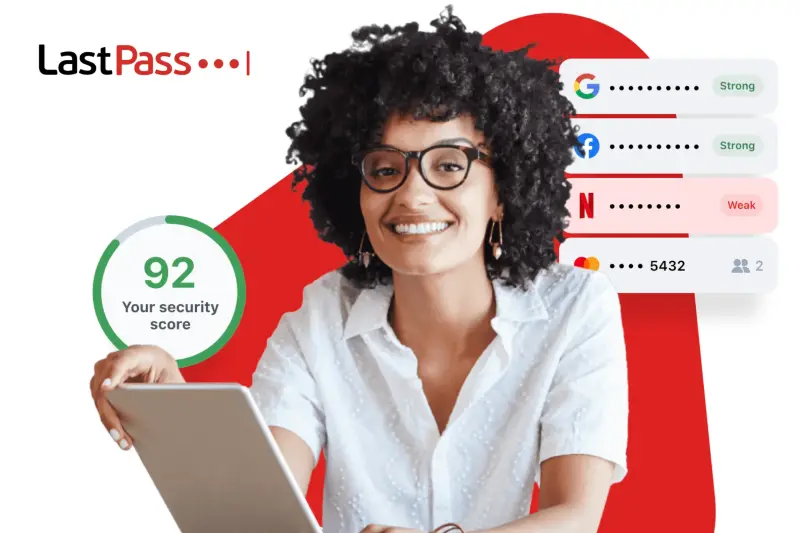
LastPass offers robust security, comes with more additional features than most competitors, and is pretty cheap.
| PERSONAL PASSWORD MANAGEMENT | BUSINESS PASSWORD MANAGEMENT |
|
|
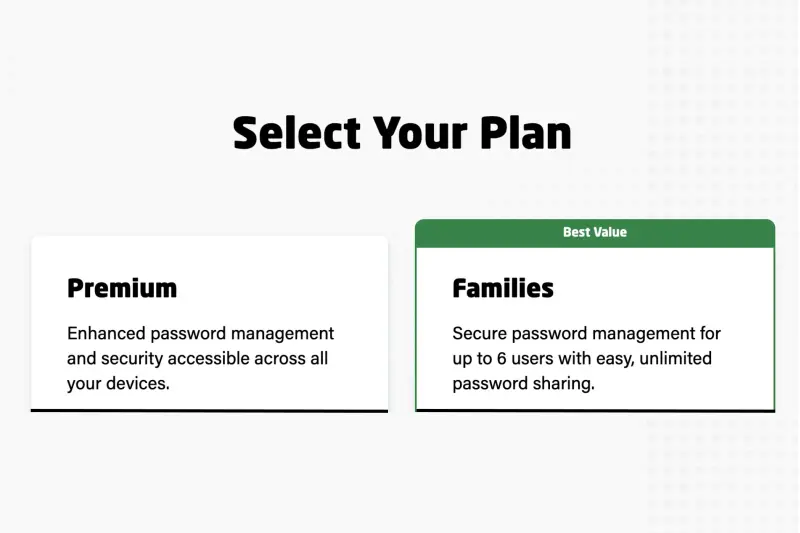
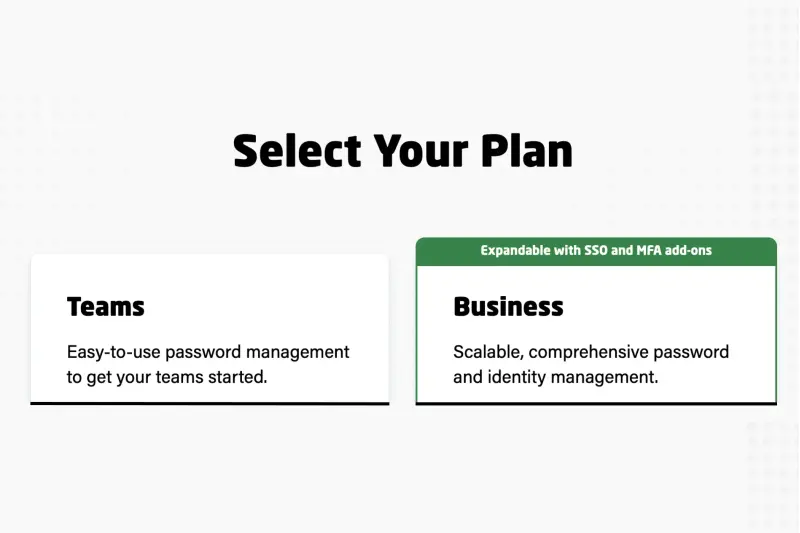
LastPass's user-friendly interface simplifies password management tasks, from vault organization to two-factor authentication setup. Yet, there's room for improvement in features like password importing and customer support accessibility. The free plan offers unlimited password storage, dark web monitoring, and password sharing. Premium and Family plans provide added value with extra features. With a 30-day trial, LastPass allows users to explore its paid options risk-free.
LASTPASS ALSO PROVIDES NUMEROUS FEATURES
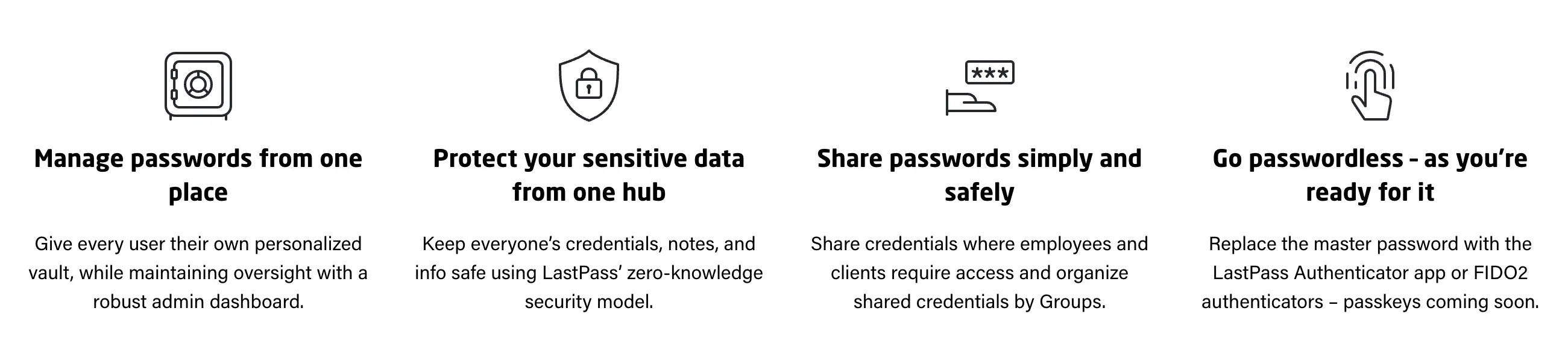
- Secure password sharing. Free plan - share passwords with one other user, or paid plan - with multiple users.
- Country restriction. Choose the countries from which you can access your vault.
- Security dashboard. Review your password vault to identify and update outdated, vulnerable, and replicated passwords, while also monitoring the dark web for compromised accounts.
- Multiple account recovery options. Access your password vault even if you lose your master password.
- Emergency access. Provide trusted contacts with access to the vault in case of an emergency.
- Credit monitoring for US users only. Monitor credit reports for suspicious activity and prevent identity theft.
LEAVE ONE-SIZE-FITS-ALL ACCESS AND AUTHENTICATION IN THE PAST
LastPass stands out as an excellent password manager, offering a straightforward and secure interface, robust encryption, and a plethora of useful functionalities including password sharing, two-factor authentication, and digital legacy features. However, LastPass does have its downsides. Recently, it fell victim to a security breach where encrypted user data was compromised by threat actors.
Despite these setbacks, LastPass boasts a comprehensive suite of security features catering to essential needs, including:
- Two-factor authentication (2FA), multi-factor authentication, and LastPass Authenticator.
- One-Time Passwords (OTPs).
- Password generator.
- Country restriction settings.
- Password vault.
- Credit monitoring capabilities.
- Security Challenge assessments.
PASSWORD GENERATOR
LastPass's password generator offers three convenient methods to create secure passwords. You can access it via the in-field icon, the Security Dashboard on the web app, or the browser extension. However, you can't directly open the generator when adding new passwords to the web vault; instead, you must navigate to the Security Dashboard. The default password length is 16 characters, extendable up to 99 characters, and can include uppercase letters, lowercase letters, numbers, and symbols.
CONCLUSION
Using LastPass is a user-friendly experience, with seamless password importing and exporting functionality. Users can effortlessly transfer passwords to and from browsers and other password managers, either individually or in bulk. The process is intuitive, swift, and hassle-free. New users have the option to try LastPass Premium for free, with the account reverting to the regular Free version upon trial or subscription expiration. While premium features become inaccessible, users retain their data and continue utilizing the service.
We invite you to explore the latest deals of LastPass in the Payless Deals section.